TV-first interface
Larger text, clear focus states, and predictable actions reduce friction on big screens.
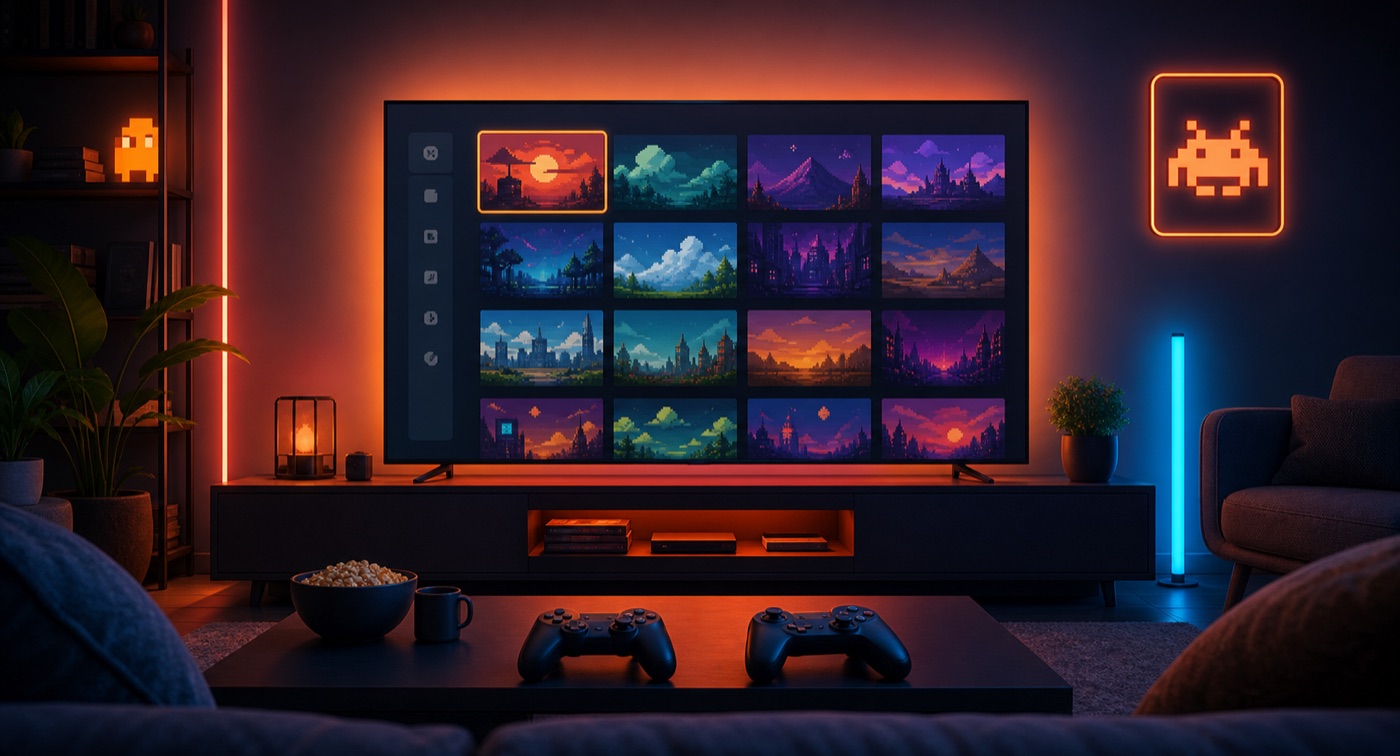
Android TV
EmuTribe's TV experience prioritizes readable layouts, physical controllers, a visual library, and longer couch sessions while keeping the same legal and privacy boundaries as the mobile app.
Focus
Big screens and physical controllers
Navigation
Readable elements at TV distance
Availability
May vary by release channel and device
KEY POINTS
Larger text, clear focus states, and predictable actions reduce friction on big screens.
TV play depends on D-pad navigation, clear buttons, and less reliance on touch input.
With optional sync, the goal is to continue on TV without losing organization and progress.
01
People searching for an Android TV emulator usually want something different from mobile: sit down, pair a controller, and navigate without touch, keyboard, or mouse.
EmuTribe should communicate that direction without promising universal compatibility. Android TV devices vary in performance, storage, controller support, and distribution policies.
02
For big screens, predictability matters.
Availability and experience can vary depending on device, Android version, distribution channel, and hardware performance.
Yes. On TV, a physical controller is usually the best experience.
The goal is to make library data, saves, and settings syncable as app data when the user connects Google Drive.