Organized library
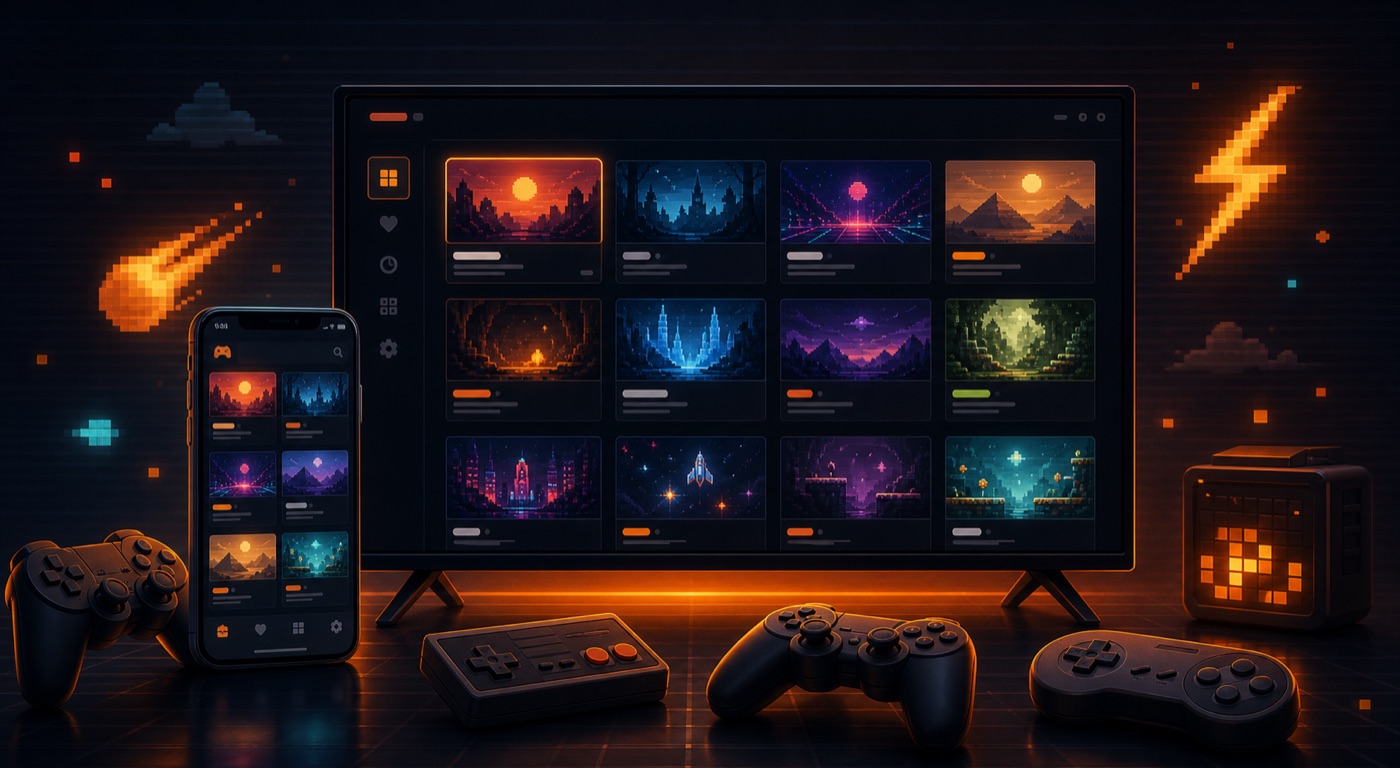
The goal is to help users organize files they already own, with covers, favorites, and system-based grouping.
Retro system
Game Boy Advance often fits short mobile sessions well, with touch or physical controls. This page explains EmuTribe's position for GBA emulator for Android, separating compatibility, product experience, and the user's responsibility for game files.
Status
Supported depending on app version
Input
Bluetooth controllers and touch, depending on platform
Saves
Local saves and optional Google Drive sync
KEY POINTS
The goal is to help users organize files they already own, with covers, favorites, and system-based grouping.
Navigation follows the same visual language as the home page, with readable layouts, clear actions, and large-screen support.
EmuTribe does not provide games, ROMs, ISOs, or BIOS files. Users must only use files they have the right to use.
01
For Game Boy Advance, EmuTribe focuses on a clean experience: visual library, configurable controls, local saves, and optional sync for progress and settings across devices.
When a platform is still on the roadmap or under validation, the page must say so clearly. That protects user trust and avoids organic traffic built on promises the product cannot yet support.
02
The best setup depends on the game and device. Touch controls can work for simple games on phones; Bluetooth controllers are usually better for TV and longer sessions.
03
EmuTribe is an emulation and organization app. It does not sell, host, distribute, or point users to downloads of protected content. System names are used only for identification and compatibility.
No. EmuTribe does not include games, ROMs, ISOs, BIOS, or firmware. You should only use files you legally own or are authorized to use.
Yes. EmuTribe is designed around local saves and optional Google Drive sync for app data when the user connects an account.
For many retro games, especially on TV, a Bluetooth controller makes the experience much better.